Catching a quantity overbill before you sign the pay app
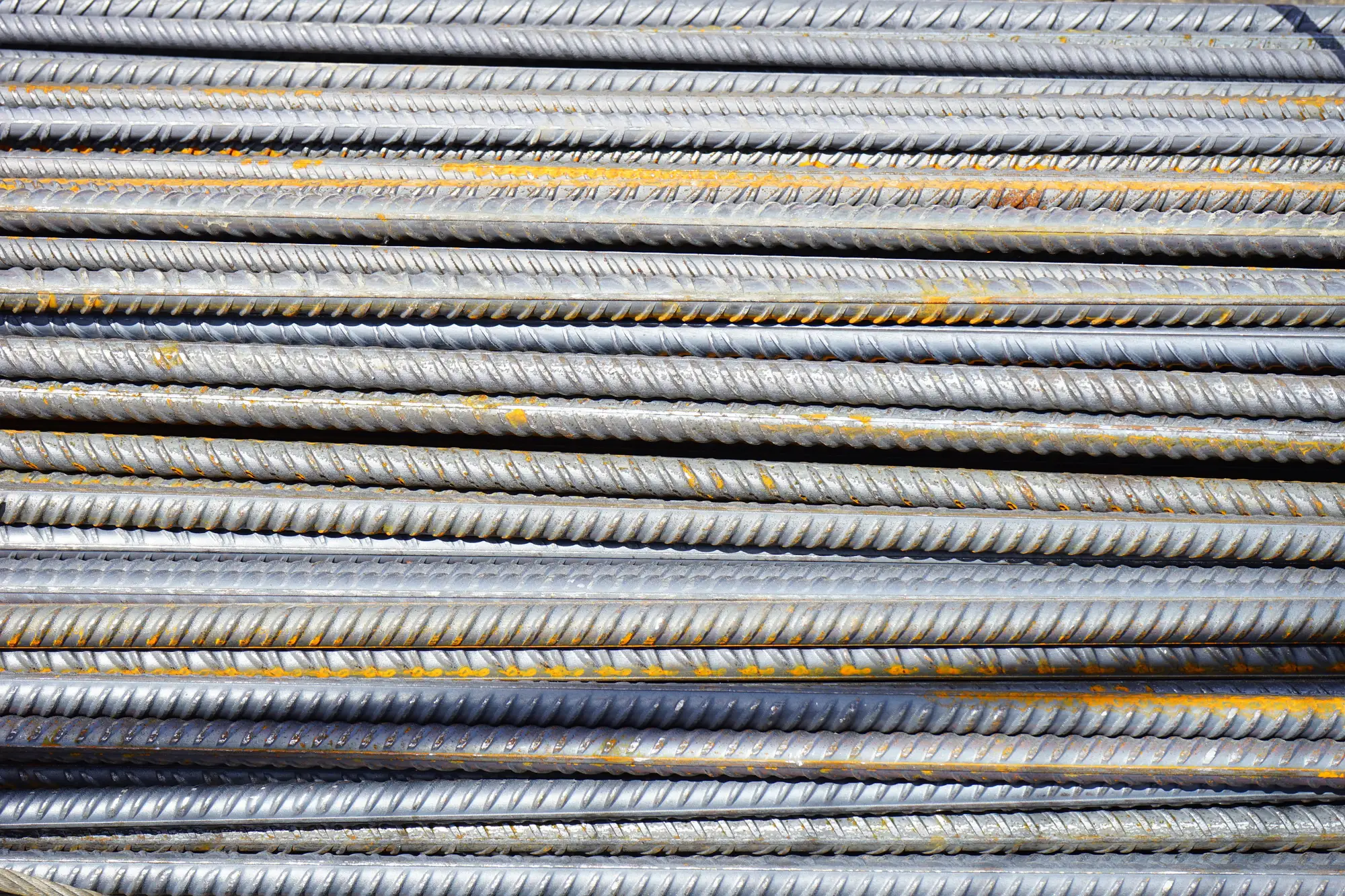
The stored materials line is the one that gets you. Labor and installed quantities get checked against the schedule of values almost automatically, because someone's walking the work and can see what's built. Stored material is different: it's a number on a G703 backed by an invoice and a promise that the pipe or rebar or precast is sitting in a yard somewhere, uninstalled, waiting its turn.
That's exactly where overbilling creeps in. A sub invoices for 400 joints of pipe, the mill ships 400, but by the time the pay app crosses your desk, 60 joints have already gone into the ground and the stored materials line still shows all 400. Or the invoice is for a full truckload and only a partial load arrived, with a backorder note buried in the supplier's paperwork that nobody flagged. Or a stockpile of aggregate got billed off a theoretical delivered tonnage instead of what's sitting on the ground, because nobody's measured the pile since July.
None of this is usually fraud. It's paperwork lag, and it compounds pay app after pay app unless somebody catches it before signing.
What actually gets overbilled
A few patterns show up more than others on the materials line:
- Delivered but already installed. The invoice quantity is accurate as of the delivery date, but installation has eaten into it by the time the pay app is submitted, and the stored-materials number never gets revised down.
- Invoiced ahead of delivery. A supplier bills on a purchase order or a committed shipment, not a confirmed delivery ticket, so the sub's pay app shows material that hasn't reached the yard yet.
- Volume estimates instead of counts. Aggregate and backfill get billed off a hauler's ticketed tonnage, which may not match what's sitting in the stockpile once shrinkage, compaction, or a partial use is accounted for.
- Returns and transfers that don't get backed out. Material pulled from one job's yard and shipped to another, or returned to the supplier, stays on the original pay app because nobody told the person doing the billing.
Any one of these on its own is a rounding error. Stacked across a schedule of values with twenty material lines, they add up to a stored-materials balance that's meaningfully ahead of what's on site. And once it's approved on one pay app, it tends to roll forward on the next unless someone pushes back.
Reconciling the pay app against what's in the yard
The check that works is simple: put three numbers side by side for every stored-materials line, every pay period. The invoice quantity, the delivery log quantity, and a current yard count. If all three match, sign it. If they don't, the gap tells you where to push.
The invoice quantity is easy, it's on the paperwork. The delivery log is usually fine too, assuming someone's been logging bills of lading as trucks arrive instead of batching it at month end. The yard count is the one that gets skipped, because it means someone walking the laydown yard counting pipe joints, tallying rebar bundles, and eyeballing a stockpile to guess at cubic yards. That's a half day of someone's time, and the number still comes back as a guess.
That's the gap a weekly drone flight over the yard closes. Instead of a clipboard tally and a volume guess, you get a counted record of the discrete stock, pipe joints, precast units, rebar bundles, plus a measured volume for loose material like aggregate. Set it next to the delivery log and the invoice, and the stored-materials line either reconciles or it doesn't. You know which before you sign instead of finding out at closeout. Material Tracking builds that yard report around a weekly flight so the number going into the pay app check has something harder than a tally sheet behind it.
When the numbers don't reconcile
A mismatch isn't automatically an overbill. Material gets moved between laydown areas, a partial delivery might be sitting on a truck that hasn't been unloaded yet, or a pile got reshaped by a loader between flights. The reconciliation gives you a number to ask about before the pay app gets signed, instead of after the check has cleared. Hold the line item, ask the sub for the delivery ticket or the updated installation count, and release it once the gap closes.
If this keeps turning into a fight on your job, it's worth seeing what a weekly yard count looks like before the next pay app lands on your desk.